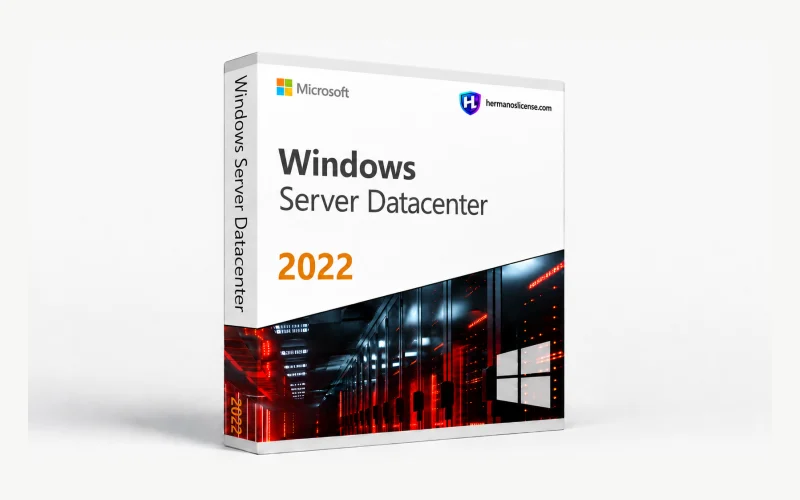
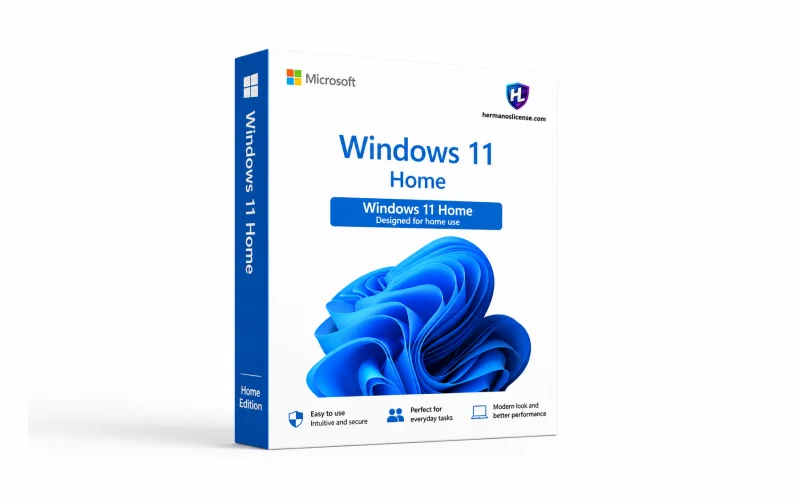
Windows 11 Home Retail Key - Genuine License for 1 PC
- Type
- Genuine License
- Delivery
- Instant Delivery
- Warranty
- Full-period warranty · 1 month
- Secure Payment
- Encrypted & protected








Delivered instantly from stock. If stock is momentarily empty, your order is fulfilled manually within 24 hours.
How delivery works
- Payment
- Key issued from stock
- Delivered to your inbox and dashboard
Description
Buy a genuine Windows 11 Home Retail key for 1 PC and set up a compatible device with a clear activation path inside Windows. It is a practical choice for home use, study, family PCs, and casual gaming, especially for buyers who want standard Windows 11 Home for everyday computing.
- Genuine Windows 11 Home Retail key for 1 PC
- Retail license format for Windows 11 Home activation
- Suited to home use, study, entertainment, and family PCs
- Activation completed inside Windows through Settings > System > Activation
- Clear option for buyers who want a standard Windows 11 Home setup
Choose Windows 11 Home Retail when you want the standard Windows experience for personal use, learning, and daily tasks on one PC. If your setup needs more advanced business-oriented tools, Windows 11 Pro may be the more suitable option.
Buy online and activate Windows in just a few steps. You can also explore Windows 11 Keys, Windows Home Keys, Windows Pro Keys, and Windows 11 Pro Key.
For this product, delivery is provided after payment confirmation to your registered email address and/or your account dashboard. Please review our Digital Delivery Policy and Refund Policy for the current delivery and refund terms that apply to digital items.
Guide
Windows 11 Home Retail Key
Before starting the process, make sure your computer is connected to the internet and all updates are installed.
Right-click on My Computer and click on properties.
Find and click the "Change product key" or "Enter license key" button.
Enter the license key into the box and complete the activation.
Online Activation Compensation Status:
If you receive an error with online activation Windows products,
you can get compensation by providing the order ID, Key, and a screenshot (a screenshot is mandatory).
Reviews
No reviews yet. Be the first to review this product!
Q&A
No questions yet. Be the first to ask!
Related Products
 Popular
 Popular
 Best Deal
 Recommended
 Recommended