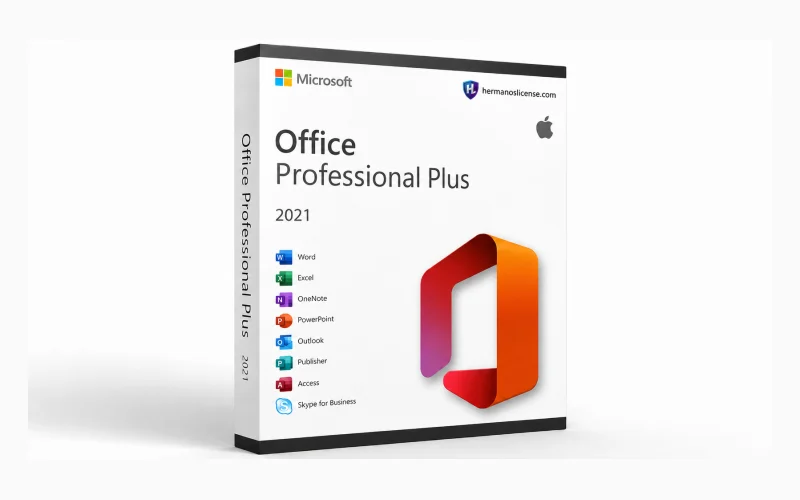
Microsoft Office 2021 Professional Plus Key — Perpetual Windows License
- Type
- Genuine License
- Delivery
- Manual Delivery
- Warranty
- Full-period warranty · 1 month
- Secure Payment
- Encrypted & protected









Delivered manually within 24 hours. If we cannot deliver it, you receive a full refund plus a discount coupon.
How delivery works
- Payment
- Prepared by a person, within 24 hours
- Delivered to your inbox and dashboard
Description
Microsoft Office 2021 Professional Plus is the smart middle ground for Windows users who want a modern desktop Office setup without moving into a Microsoft 365 subscription. It brings the familiar full Office workspace together with newer productivity tools like XLOOKUP, Dynamic Arrays, improved PowerPoint recording, Microsoft Teams and a cleaner visual refresh for Windows 10 and Windows 11.
This is the “new enough, still classic” Office choice: more current than Office 2016/2019, lighter and more predictable than a subscription workflow, and especially useful when you need Word, Excel, Outlook, Access, Publisher and Teams on a Windows desktop.
- Included apps: Word, Excel, PowerPoint, Outlook, Access, Publisher, OneNote, Teams and Skype for Business.
- License type: perpetual Windows license key for Office 2021 Professional Plus / Office LTSC Professional Plus 2021.
- Activation: 25-character product key activation through the supported Office product-key flow.
- Best strength: full desktop Office apps with newer Excel, PowerPoint and Windows 11-friendly improvements.
- Important note: Microsoft support for Office 2021 ends on October 13, 2026, so choose Office 2024 if you want a longer support runway.
| What you need | Office 2021 Pro Plus | Better alternative |
|---|---|---|
| A full Windows desktop Office suite | Excellent fit | Microsoft 365 if you need multi-device cloud-first work |
| Access and Publisher | Included | Office 2024 if Publisher is not needed |
| Modern Excel tools like XLOOKUP | Included | Microsoft 365 for ongoing feature updates |
| Longest available support window | Support ends October 13, 2026 | Office 2024 |
| Copilot, 1TB OneDrive and advanced cloud collaboration | Not included | Microsoft 365 |
| Requirement | What to check before buying |
|---|---|
| Platform | Windows 10 or Windows 11. |
| Internet | Required for activation; daily offline document work is possible after setup. |
| Existing Office installs | Remove conflicting Office versions before installation and activation. |
| Best use case | Local productivity, small business documents, spreadsheets, Outlook email, Access databases and Publisher files. |
Who is it for? We recommend Office 2021 Professional Plus for Windows 10/11 users, freelancers, students, small businesses and professionals who want a one-time desktop Office setup with Access, Publisher and Teams, but do not need Microsoft 365 cloud extras.
Delivery: this is a manual-delivery digital product. Your key is delivered by email and shown in your account dashboard according to our Digital Delivery Policy. For refund and withdrawal conditions, please check the Refund Policy.
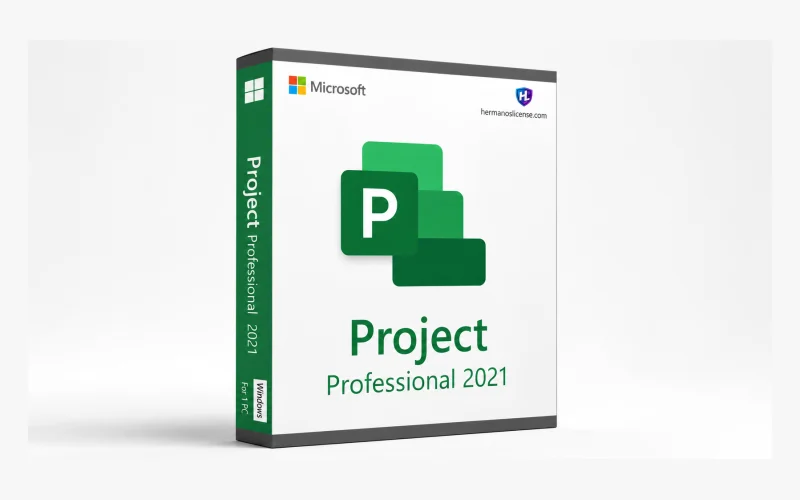
Want to compare before choosing? Browse all Office keys, compare with Microsoft 365 Personal, or add planning tools with Microsoft Project 2016 Professional. Our Hermanos License team is here to help if your key needs activation support.
Guide
How to Activate and Install Microsoft Office
Follow these simple steps to activate your Microsoft Office license and start the installation:
-
Visit setup.office.com.
-
Click the “Get Started” button.
-
Select “Sign In” and log in with your Microsoft/Outlook account. Make sure to save your login details, as you may need them later.
-
Enter the Microsoft Office product key you received into the required fields on the setup page.
-
Once your license has been successfully activated, go to “My Products” to view your Office license.
-
Click “Download” on a compatible device and follow the on-screen instructions to complete the Microsoft Office installation.
Your Microsoft Office license will be linked to the Microsoft account used during activation, so we recommend keeping your account information secure and accessible.
Reviews
No reviews yet. Be the first to review this product!
Q&A
No questions yet. Be the first to ask!
Related Products
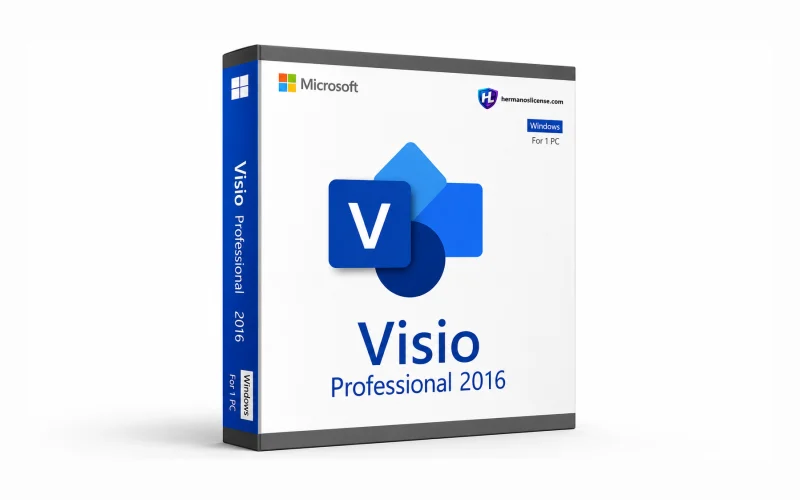
Microsoft Visio Professional 2016 Key — Genuine License
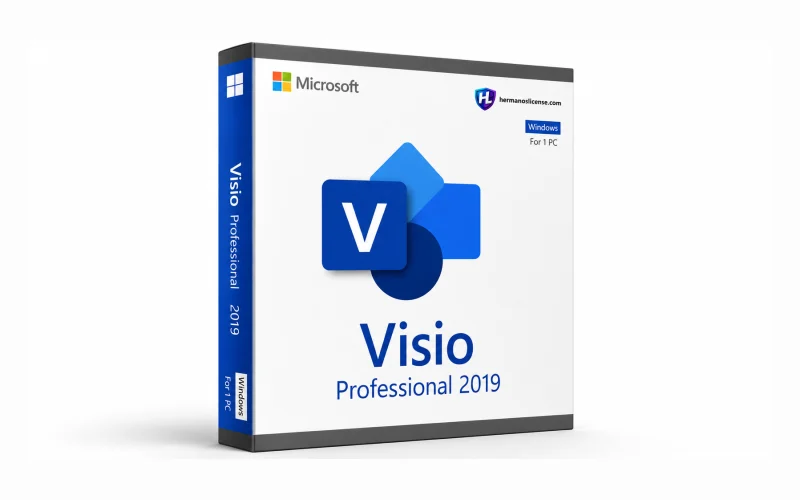
Microsoft Visio Professional 2019 Key — Genuine License
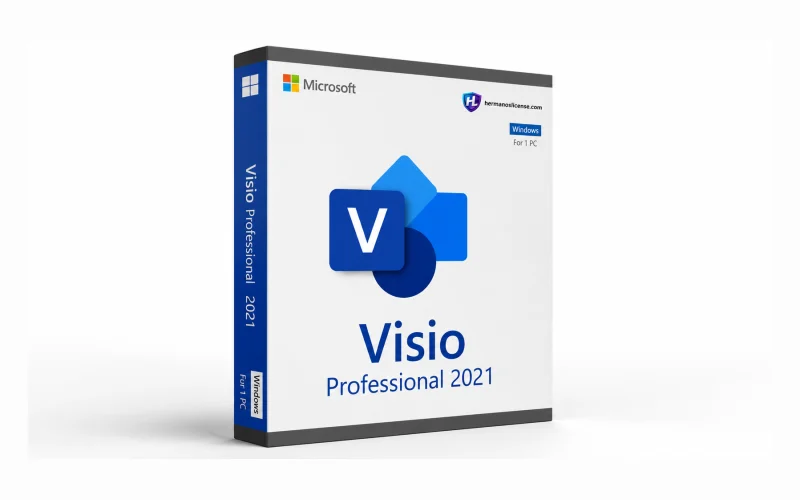
Microsoft Visio Professional 2021 Key — Genuine License